

To get better at word games, look for higher-scoring moves, use premium squares and hooks, keep a balanced rack, avoid opening big squares for your opponent, and track your progress. Practicing with Cosmo, a free word game coach who plays against you in UniWords, turns each skill into a short lesson on every turn. UniWords is a free two-player word board game with letter tiles and no ads, in English or Danish, on iPhone, iPad, Android and at play.uniwords.io.
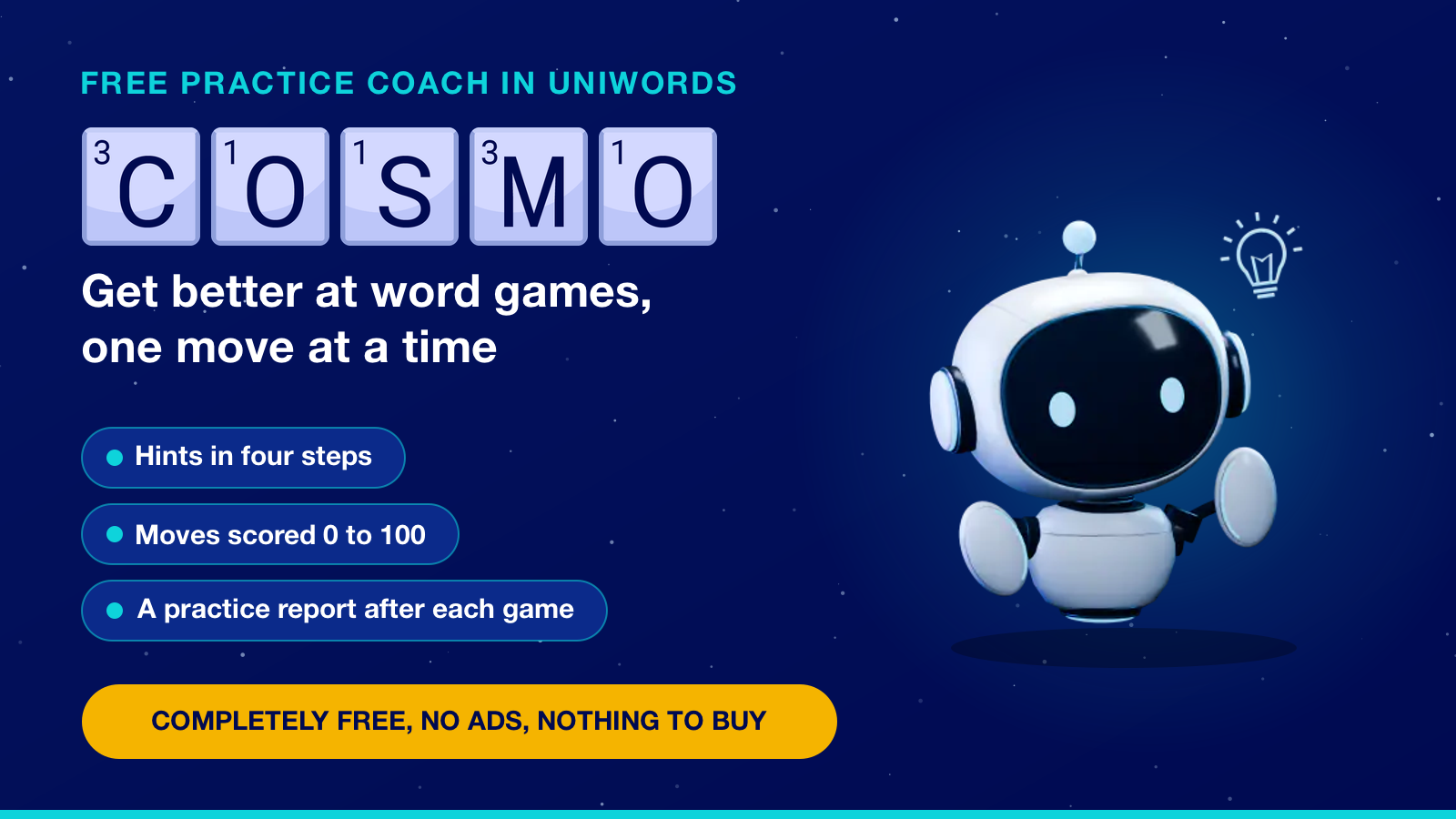
Find higher-scoring moves
Start each turn on your own. When you press Play, Cosmo shows what your move is worth and whether a higher-scoring one exists. If it does, you can usually tap Try again, and the Warmer and Colder chips show whether you are closing in. Until your fourth hint, taking a word back does not lower your score.
Stuck? Tap Hint, then Next hint. A word turn has four steps:
- Hint 1 of 4. What the move is worth, not counted as a hint.
- Hint 2 of 4. Part of the board lights up.
- Hint 3 of 4. Its letters, sorted, glowing on your rack.
- Hint 4 of 4. The exact squares, then three tries before the turn is lost.
To hunt another move, tap the move number in his panel, pick one in Cosmo’s suggestions and tap Aim at this move.
Use premium squares, hooks and parallel plays
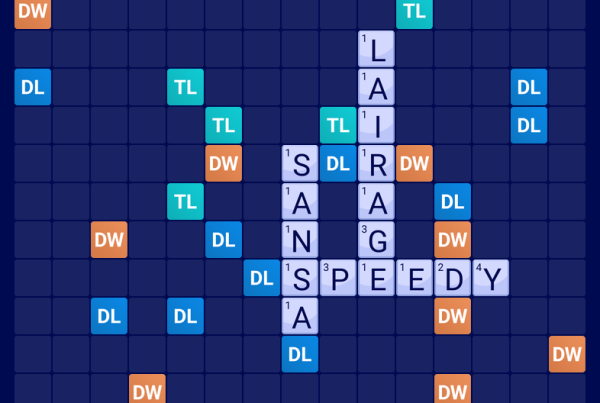
Big scores come from where you play. Put a high-value letter on a double- or triple-letter square, ideally in a word that also reaches a double- or triple-word square, which multiplies the whole word. The second hint trains that eye. See how one opening move hit two triple-word squares.
To score two words at once, hook a tile onto the end or front of a word on the board, or lay a parallel play alongside one so each touching pair forms a short word. After Cosmo’s turn, tap Explain in his panel for Cosmo’s move explained, sometimes with a lesson: “Two words from two tiles. That is called a hook.”
Balance your rack and know when to swap
A good move leaves good letters behind: keep a mix of vowels and consonants and avoid duplicates. Playing all seven tiles at once earns a 50-point bonus. Cosmo agrees: “I kept letters I can actually use next turn.”
When your letters are hard to use, his hints turn into swap advice: tap Show a hint, and Next hint leads to Swap these letters, then Select for swap. A swap uses your turn and needs at least seven tiles left to draw. Cosmo swaps too: “Nothing here was worth playing, so I swapped. A swap is a move.”
Keep dangerous squares closed and finish well
The top-scoring move is not always the best. Check which double- or triple-word squares your word opens for the other player. Cosmo checks too: “I gave up points to keep that triple closed.” His hints aim at Cosmo’s pick by default; it can score less than the top move and still counts as a best move.
Near the end, play off high-value letters and try to go out first: your leftover points are deducted, and going out adds your opponent’s leftovers to your score. As Cosmo says: “I emptied my rack to bring it to an end.”
Track how you get better at word games
Words you play in practice get a Move rating from 0 to 100, and a pass or a lost turn counts as 0. The best move found without a hint scores 100, and later hints lower that by what they give away: the best move after only the area hint still scores 88. Tiers run from Excellent (85 and up) to Warming up (below 40). Tap Last turn in his panel to review your previous turn.
After the game, the Practice report shows your hints, best move, Biggest chance and practice score. Tap the score to see what it means, then set one goal for next game, such as fewer hints.
What’s new in 3.2.9
Version 3.2.9 (7 October 2026) animates Cosmo: he waves, cheers and reacts to your moves, and never sulks at you. If your device or browser is set to reduce motion, he stays still. It also added the fourth hint and the move score. Cosmo first arrived in 3.2.5: see the Live mode and Cosmo announcement.
Word game practice with Cosmo is completely free
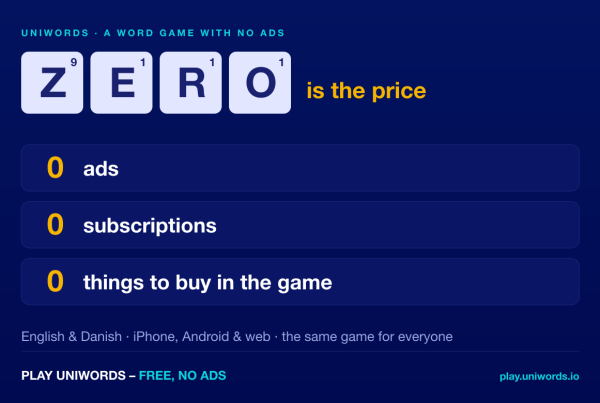
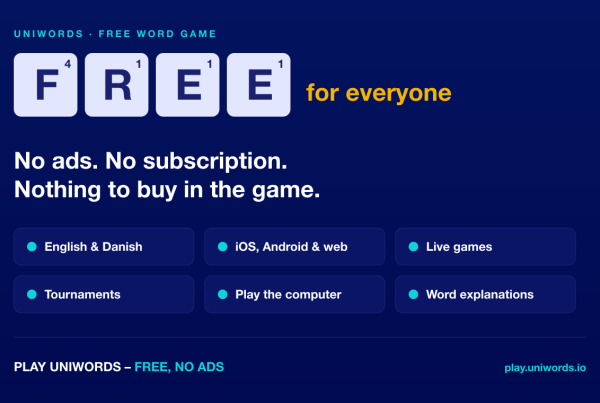
Practice mode with Cosmo is completely free: no subscription, no paywall, no ads and nothing to buy in the game. Hints are free to use, with no limit you pay to lift, and practice games stay out of your rating, statistics and trophies. See what completely free means in UniWords.
Where to get it
Play free in your browser, or get the app on the App Store or Google Play. Then open New game and tap Practice. All links are on our download page; more answers are in the UniWords FAQ.
Frequently asked questions
Is practice mode with Cosmo free?
Yes. Practice mode with Cosmo in UniWords is completely free, with no subscription, no paywall, no ads and nothing to buy in the game.
Does Cosmo tell you the word?
Not while you can still find it. His hints stop at the letters and the exact squares. He names the word after the turn, or when you choose to give up and see it.
Do hints lower your practice score?
Yes, apart from the first. Later hints lower the 0 to 100 score of a move by how much they give away, but hints alone never pull it below 40.
Is there a free word game with a coach that teaches you?
Yes. UniWords, a free two-player word board game with no ads, has Cosmo, a coach who plays against you, gives hints step by step and scores your moves from 0 to 100.



One Comment